
I used Shodan a lot when it was first introduced, and I’ve learned a lot about banners and services by using it. A few months ago I noticed a lot of searches were returning honeypots, which end up being false positives for my search. Shodan now labels honeypot results in the search, but previously I identified them as having 10-20 ports open and a long list of vulnerabilities associated with the results.
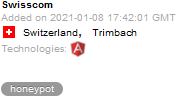
Below is a tag I’ve started adding to my searches if I begin seeing honeypots
-"792/71644"On the other hand, it can also be used to search specifically for honeypots by removing the “-“
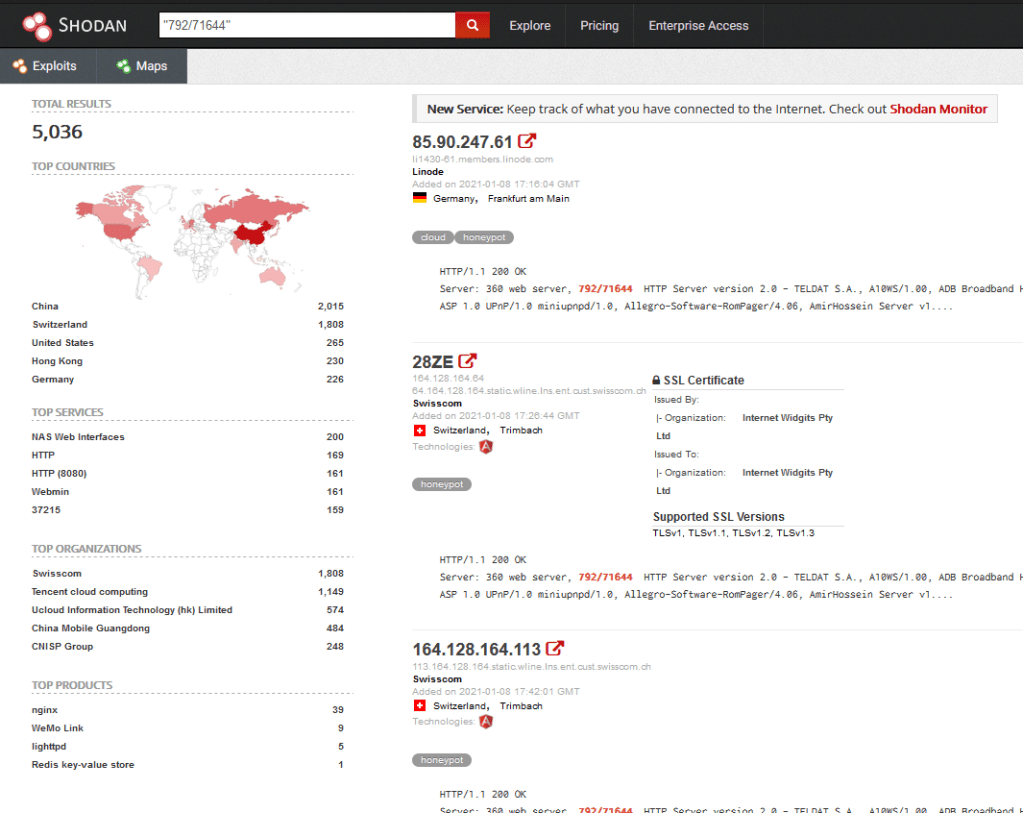
The search returned 5.036 results. Not all results are Honeypots, because this number was added to help lure attackers. I haven’t taken the time to find out what technology this part of the banner came from, but I will update this post as that information comes to light. It’s also likely that Shodan has a search tag that will allow you to filter out anything tagged as a honeypot, but I haven’t yet explored that possibility.
 LaffSec.com