
What do I mean by blind upgrade? I’m going to upgrade to Big Sur without any prior knowledge, or reading any reviews.
If you didn’t already know, I was an ACMT (Apple Certified Macintosh Technician) for 6 years. I mostly performed repairs on Mac laptops (MacBook Pro, MacBook Air, MacBook) due to an overwhelming amount of college students in the area that used Mac. I also worked on iMacs and MacMini, performed data recovery, and fixed OS and filesystem related issue. I had never owned a Mac computer, and briefly used one at school, before I was asked to take on that role, but I grew very fond of them in time.
A few things I specifically like about Macs:
macOS is free
You can install macOS on an external hard drive and boot it on any compatible Mac
You can clone your HDD to an external, and boot it off any compatible Mac
You can connect a Thunderbolt/Thunderbolt 3 to another mac and boot off it’s internal HDD
You can dual boot (bootcamp) to Windows or Linux.
HDD encrypted by default
When I started seeing some of the buzz words being used about macOS 11, I became concerned. This is the first major macOS update that has occurred since I was a technician, so I had an idea…
I’m going to install and review a major OS update, without reading any of the reviews or opinions in advance.
This will result in a true review, going in blind with very few expectations. Expectations, be they good or bad, from other blogs, vlogs, and news sites. This is the first major OS version update released since I was a technician, and in the past, I was always very prepared for the issues I would see, and ready with fixes.
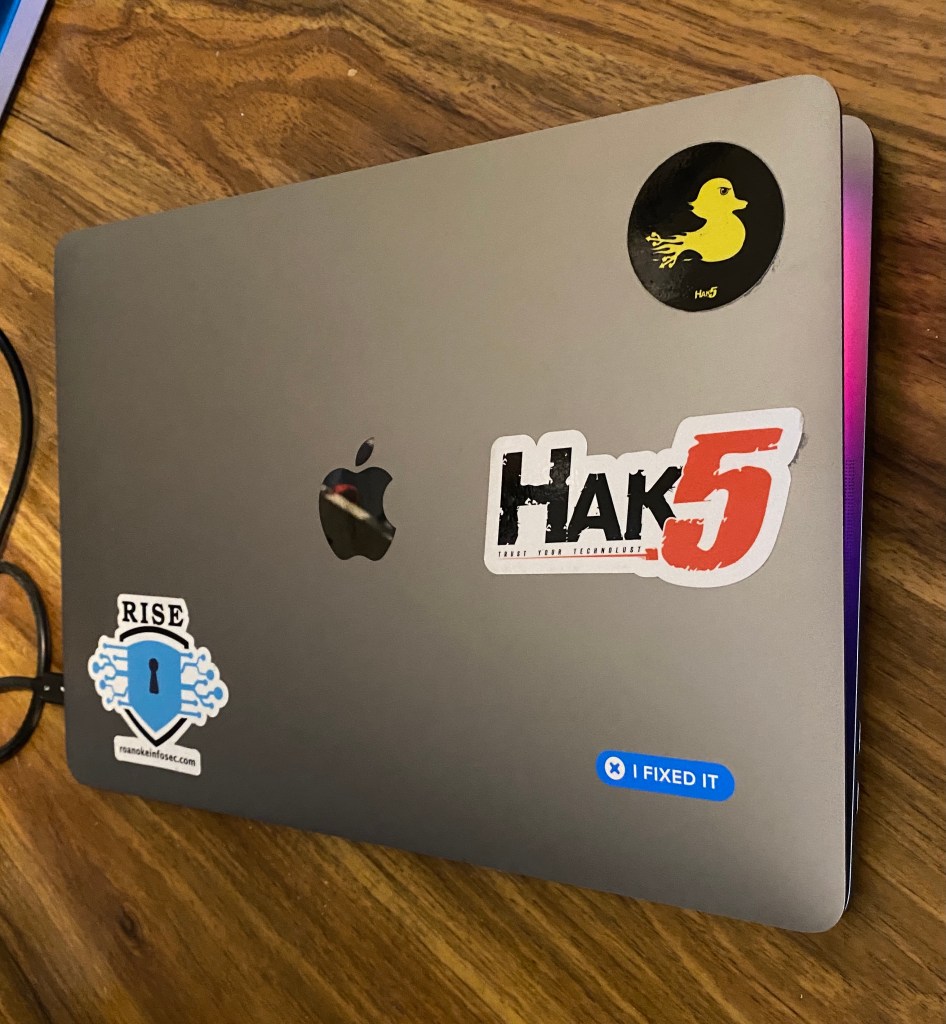
I’m going to be using my newest MacBook Pro (I have a few). Here are the specs/details
MacBook Pro 13″ 2016, four Thunderbolt 3 Ports (has touch ID)
Processor: 2.9 GHz Dual Core i5
Memory: 8GB 2133MHz LPDDR3
Graphics: Intel Iris 550 1536MB
250GB SSD
Model: MacBookPro13,2
Here is a list that worry me about this update:
Still UNIX based?
App updates (require repurchase?)
Dualboot (bootcamp) work?
Disk Utility still work?
Is it worth the effort?
Like any responsible computer user does, I created a backup. (sarcasm)
And now we’re ready to upgrade…
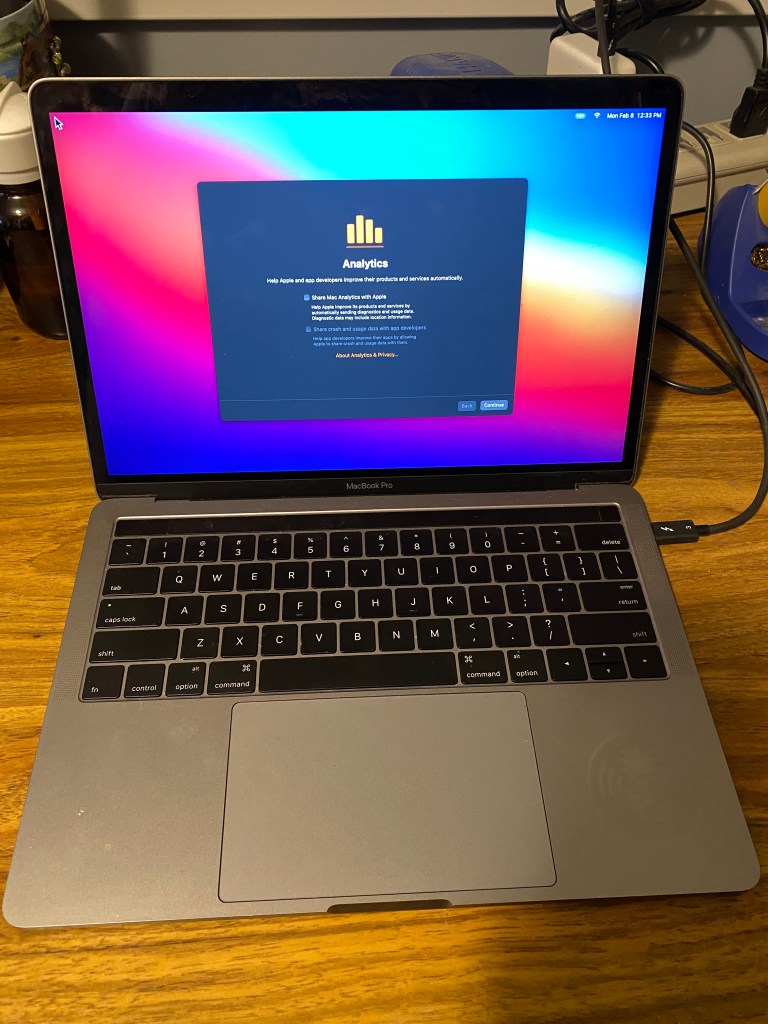
The upgrade itself happened much quicker than I expected. I make sure all the analytics stuff is unchecked.

The first and most obvious thing I noticed is that the visuals are a little different. Icons and Menus have a cleaner look and seem a little more spaced apart. So far, I prefer the new look. Back around macOS 10.8, Icons had become to detailed that it was sometimes hard to tell them apart.
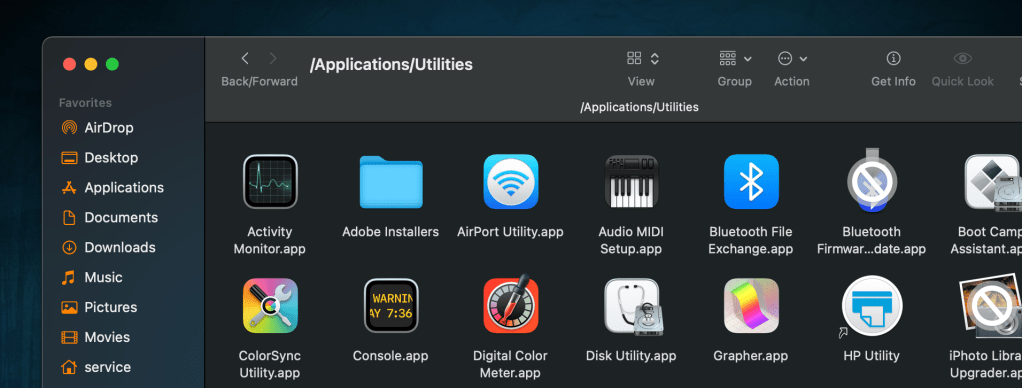
The two icons I’ve found with a prohibitory sign (circle with a slash through it, like a no parking sign) are shown above. One was the iPhoto Library Upgrader, which is only for upgrading a library from iPhoto to Photos, and is no longer needed, as well as a Bluetooth Firmware update. I honestly don’t remember what that was for.
I’m impressed by how quickly apps open. The only exception is Firefox, which is unchanged in how quickly it opens. By the way, I’ve switched to the same MacBook Pro to complete the remainder of this post.
I have not yet found any third party app that doesn’t work. Several needed to be updated, but updates were very quick. Again, I’m very impressed with how quick everything is. So far I’m seeing no problems with Brew, Tor, iHex, What’s Your Sign (adds hex values to right click menu), and so on.
I will need to do a separate section for the last part of this review, which is booting to Windows and Linux. Neither was installed on this Mac, due to the SSD being only 250GB. In the passed, I used a loader like rEFIt or equivalent.
For now, macOS has exceeded my expectations and, for the first time ever, I’m not disappointed with anything in this upgrade… so far.
UPDATE
I wanted to include that Docker works on this ver of macOS, and UNIX shells still appear to be available, however I have no been able to find a version of Wine that works on macOS Catalina or later.
 LaffSec.com